

How to search Assam Tenders Online
- Hello People! Here is the way to search Assam tenders
- First, go to chrome browser and Search Assam Tenders/Procurement.
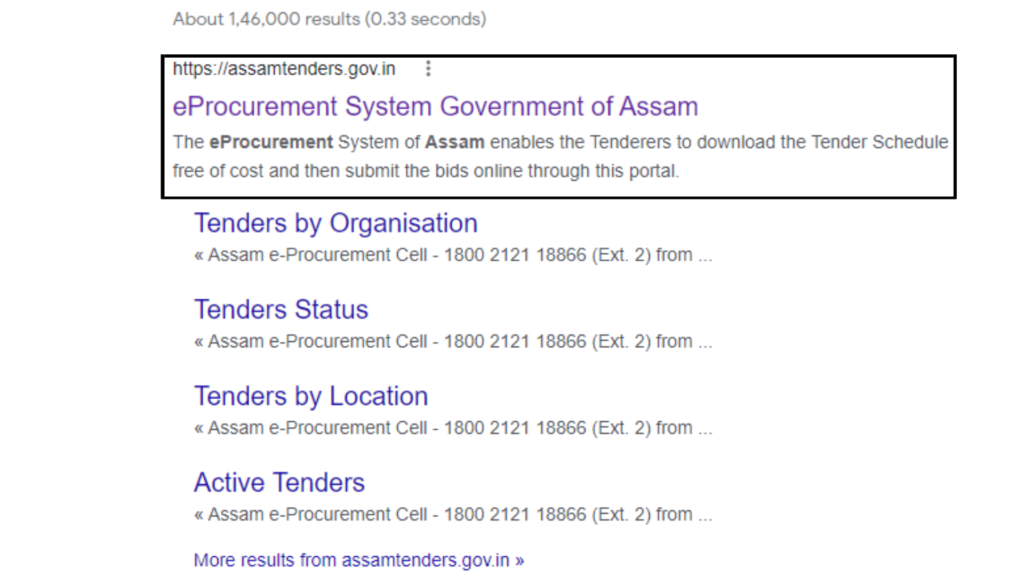
- Now select the first link which is shown as Assam tenders.gov.in.
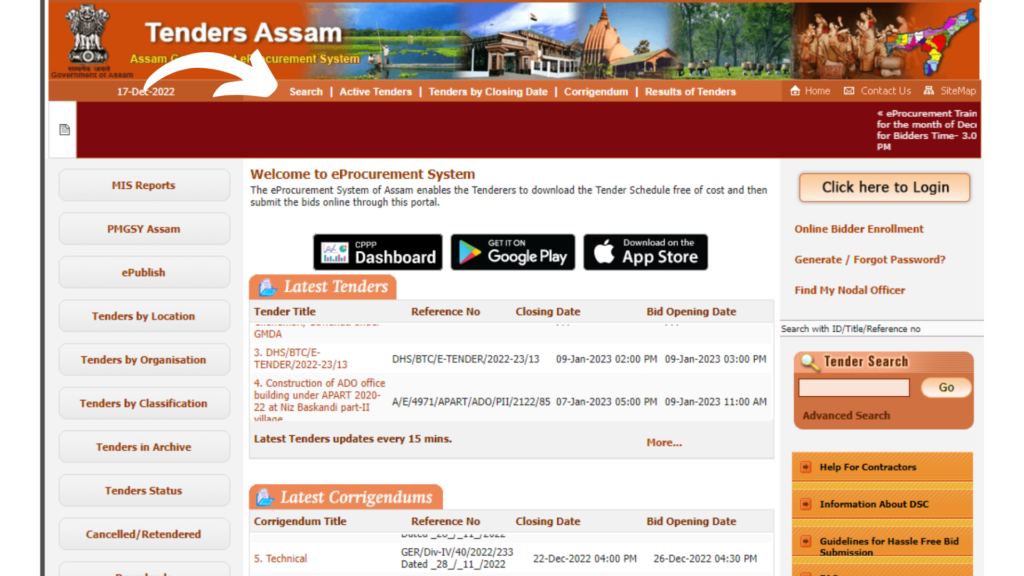
Now the Procurement Portal of Assam is opened.
Click on the search option given at the top of the page.
- Here you can see the advanced tender search option. Now you will be able to apply different filters as per your needs.
There are many filters like tender by the organization, tender type, tender Id, and many more.
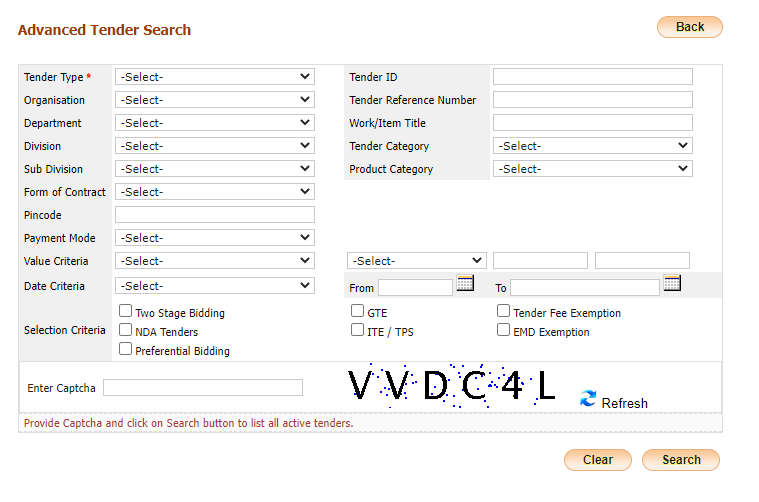
- Selecting the date criteria is mandatory
Fill in the captcha. And now click on search.
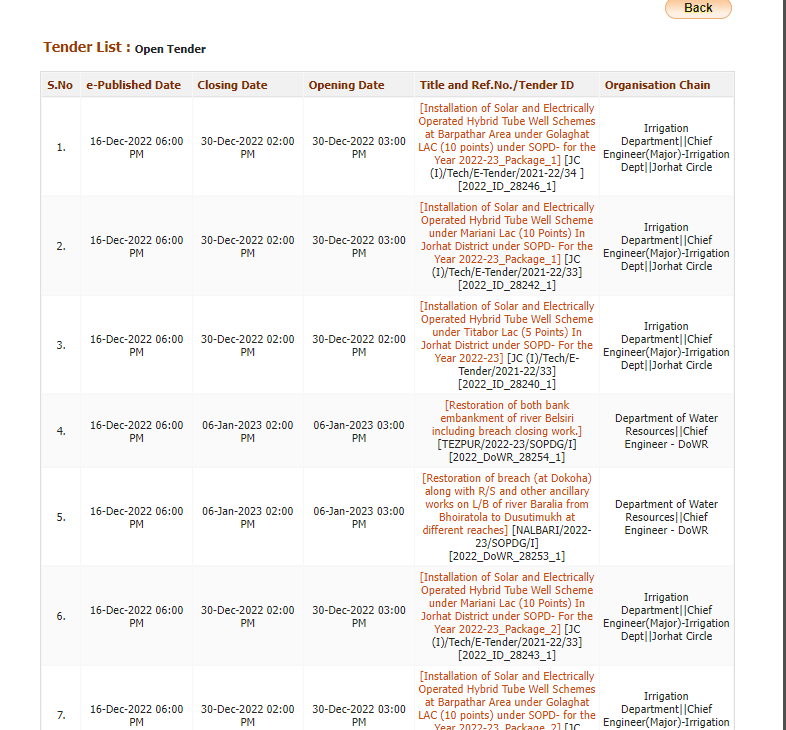
Here you can see all the active tenders.
- Hope you have understood the procedure. If not,
Don’t worry. You have BidAlert– India’s Finest Tender Information Provider. We provide every single tender information according to you. - To get Assam tenders, click here now – Latest Assam Tenders
To get more info about the website, click here now – BidAlert
Thankyou!